Setting Up Your Washington DOL Online Account for Real Estate Licensing
Navigating the administrative requirements of your real estate career in Washington begins with the Department of Licensing (DOL) online system. Whether you have recently passed your licensing exam or are approaching your very first renewal period, creating and maintaining your online portal account is essential. The portal serves as the primary hub where you pay fees, transfer licenses between brokerages, update your personal information, and submit proof of your completed continuing education courses.
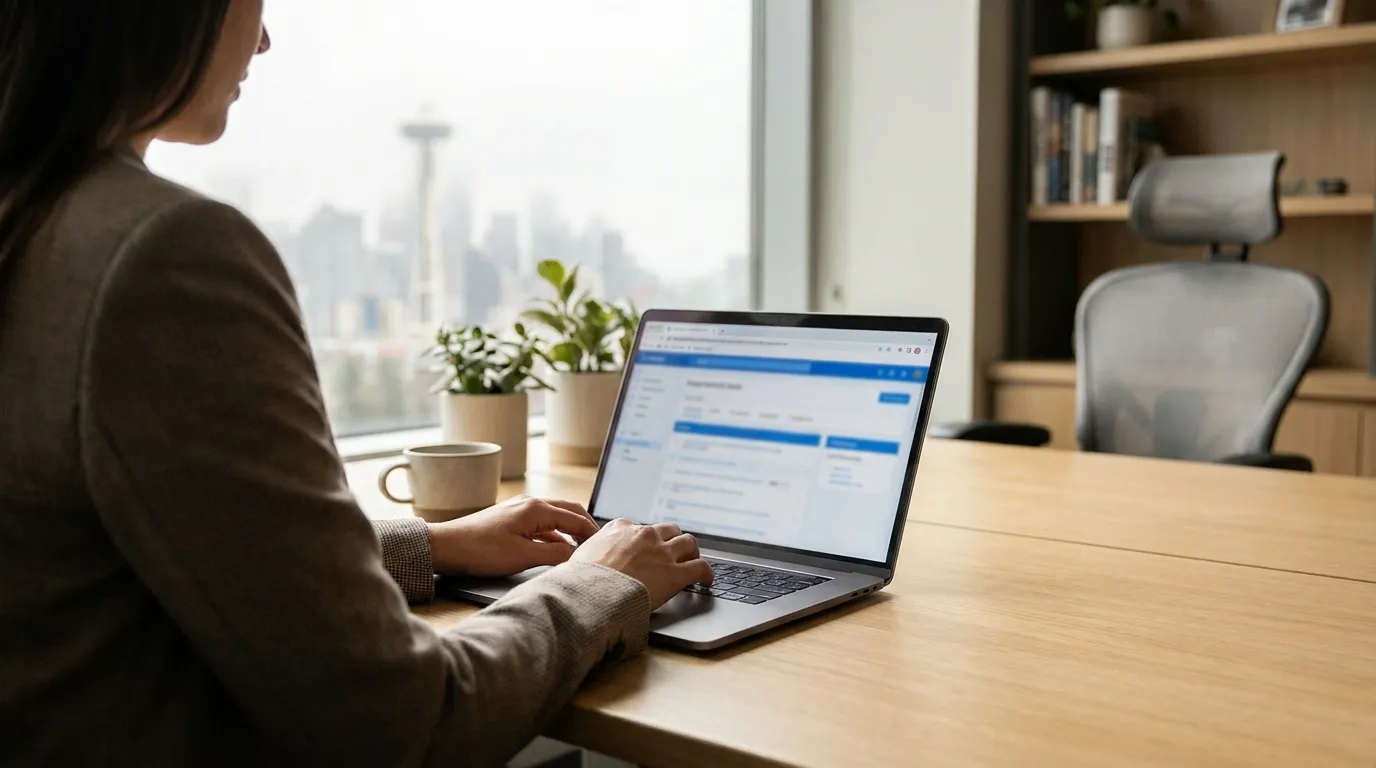
Establishing your account correctly ensures that your legal licensing records match your educational filings without delay. For new brokers preparing for their initial two-year license milestone, completing your mandatory education through an approved course, such as our Washington 90-Hour First Renewal Package, is only half the process; you must also submit those records via the DOL system to maintain active status. Setting up your access properly from the start protects you against lapse errors and compliance holds.
What you need to register
Before launching the Washington Department of Licensing online portal registration page, assemble all your personal identifying details and official documentation. Having these items on hand speeds up the process and prevents security timeouts while completing the web forms. Per the Washington Department of Licensing, your digital profile must directly correlate with the records generated when your initial application or exam profile was created.
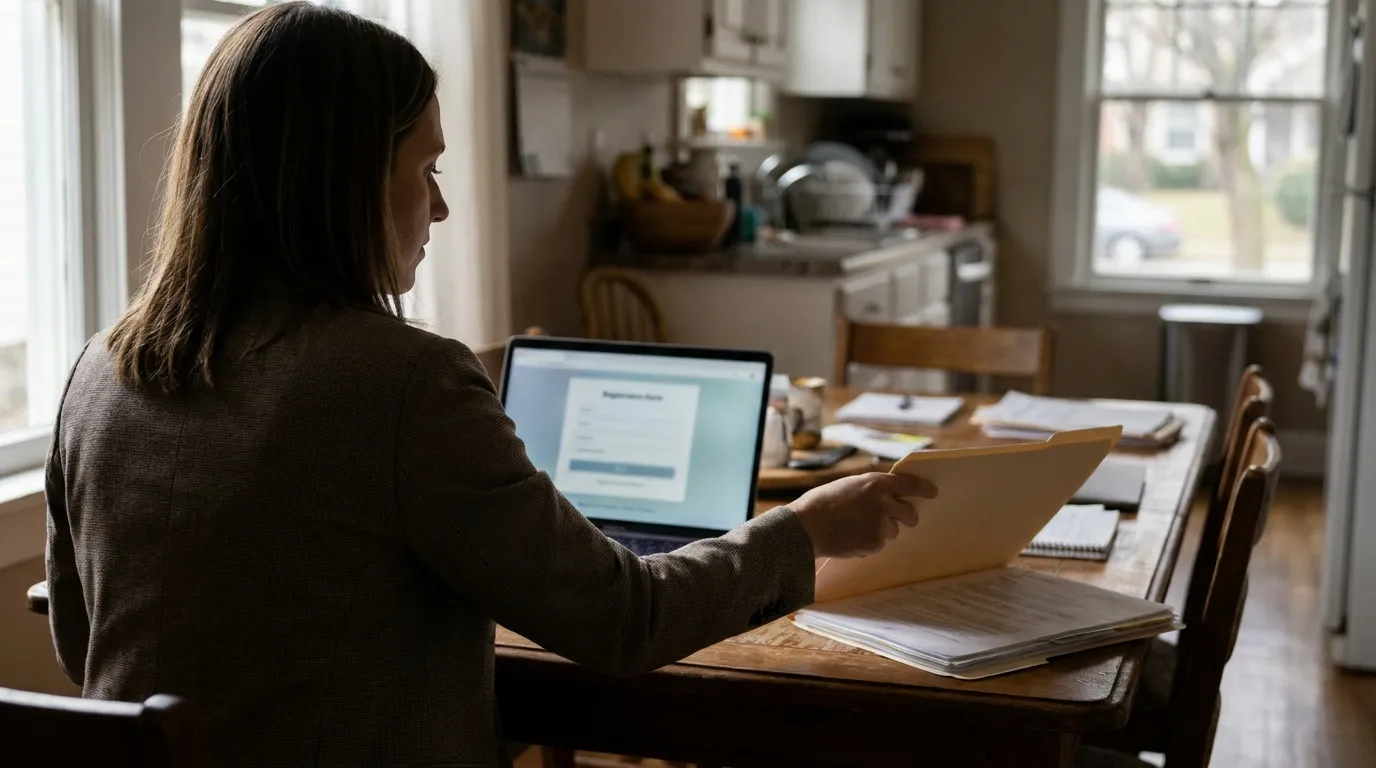
Gather the following required elements before beginning your account setup:
- Full Legal Name: Your first, middle, and last name exactly as they appear on your government-issued photo ID and license application.
- Social Security Number (SSN): Used by the state system for identity verification and background matching.
- Date of Birth: Must match official state records.
- Real Estate License Number: If you are already issued a license number, keep your official paper certificate or approval email accessible.
- Primary Email Address: Use an active email account that you check regularly, as the state sends activation links and automated compliance notices to this address.
Matching your name and license number
The most crucial step during your washington dol real estate account setup is ensuring absolute alignment between the information you enter into the registration fields and the existing records in the DOL database. Even minor discrepancies can cause the automated system to reject your registration attempt or create a duplicate, unlinked account profile.
If your legal name includes hyphens, suffixes (such as Jr. or III), or multiple middle names, input them precisely as displayed on your original license application. For instance, if your name appears as "Mary Elizabeth Smith-Jones" on your licensing exam paperwork, entering "Mary Smith" will cause a system mismatch. If you have recently changed your name due to marriage or court order, you must update your records directly with the state regulator before creating your web account. You can verify your exact legal spelling and current status on the official Washington Department of Licensing website.
Common registration errors
While the state portal is designed for straight-forward navigation, applicant data errors frequently lead to processing delays. Recognizing these common pitfalls helps ensure a smooth initial setup experience:
- Creating Duplicate Profiles: Registrants sometimes attempt to create a completely new user profile instead of claiming an existing license record. This creates an unlinked account that cannot process renewals or view current license status.
- Typographical Errors in License Numbers: Entering incorrect prefix letters or mistyping numbers will cause the system to return an "Entity Not Found" error message.
- Mismatched Contact Information: Using a personal email address during setup that differs from the email listed on your original exam registration can trigger security flags.
- Browser Cache Issues: Legacy data stored in your web browser can disrupt security verification scripts during portal registration. Clearing your cache or using an incognito window often resolves unexpected script errors.
Recovering a locked account
If you enter incorrect login credentials multiple times or lose access to your registered email address, the DOL security system may lock your account to prevent unauthorized access. A locked profile prevents you from submitting required documentation, which can be critical if your license expiration date is fast approaching.
To regain control of a locked or inaccessible account, use the self-service "Forgot Username" or "Forgot Password" utility on the portal main login page. System prompts will ask you to verify your identity using your registered email address or security questions. If self-service recovery fails because your email address has changed, you must contact the Washington Department of Licensing real estate board staff directly to manually reset your profile access. Avoid creating a secondary account while waiting for access recovery, as secondary profiles cause administrative conflicts that take longer to resolve.
Setting your notification preferences
Once your account setup is complete and linked to your license record, take immediate steps to configure your user profile settings and notification preferences. The DOL relies heavily on digital communication to inform brokers about upcoming renewal deadlines, rule updates, and changes to license standing.
Inside your account dashboard, navigate to profile settings and confirm that your preferred mailing address, phone number, and primary email are accurate. Enable electronic notification options so that official reminders arrive directly in your inbox well in advance of your two-year expiration date. Missing a renewal reminder does not exempt a licensee from late fees or continuing education requirements, making automated notifications your first line of defense against accidental license inactivation.
Frequently Asked Questions
How long does it take to activate a Washington DOL online real estate account?
In most cases, online account registration and account verification occur instantly upon completing the web form and clicking the verification link sent to your registered email. If your profile requires manual verification due to a name mismatch or legacy record update, administrative review by DOL staff may take several business days.
When should first-time real estate brokers set up their DOL online account?
First-time brokers should set up their online portal account as soon as they pass their broker exam or receive their license confirmation. Having an active account early allows you to monitor your license issuance, link your record to your managing brokerage, and track completed education courses like your mandatory post-licensing hours.
What education must I complete before submitting my first renewal in the DOL portal?
Per the Washington Department of Licensing, first-active renewal brokers must complete 90 hours of approved continuing education prior to their two-year renewal date. This includes specific mandatory courses such as Advanced Practices, Real Estate Law, Core curriculum, and elective credits. You can fulfill all state requirements conveniently through our comprehensive Washington 90-Hour First Renewal Package.