Can You Do Washington Real Estate CE on Your Phone?
As a real estate professional in Washington, your schedule is constantly moving between client meetings, open houses, and property tours. When your active license expiration date approaches, finding dedicated desk time to sit in front of a computer for hours can feel nearly impossible. Naturally, many brokers ask whether it is possible to complete their mandatory real estate CE on mobile phone screens while on the go.

The short answer is yes: modern online continuing education programs are engineered to run smoothly inside mobile web browsers on iPhones, Androids, and tablets. However, completing your Washington real estate first renewal requirements on a smartphone involves specific considerations regarding usability, state compliance standards, and learning efficiency. Understanding how to leverage mobile learning effectively ensures you satisfy state requirements without unnecessary frustration.

What Mobile-Friendly Real Estate CE Actually Means
True mobile compatibility goes beyond simply shrinking a desktop website to fit a smaller display. When taking real estate CE on mobile phone browsers, a truly responsive platform automatically adjusts navigation menus, resizes text for effortless reading, and presents buttons that are easy to tap without accidental clicks. You should not have to pinch and zoom constantly just to read standard course reading materials or navigate between modules.
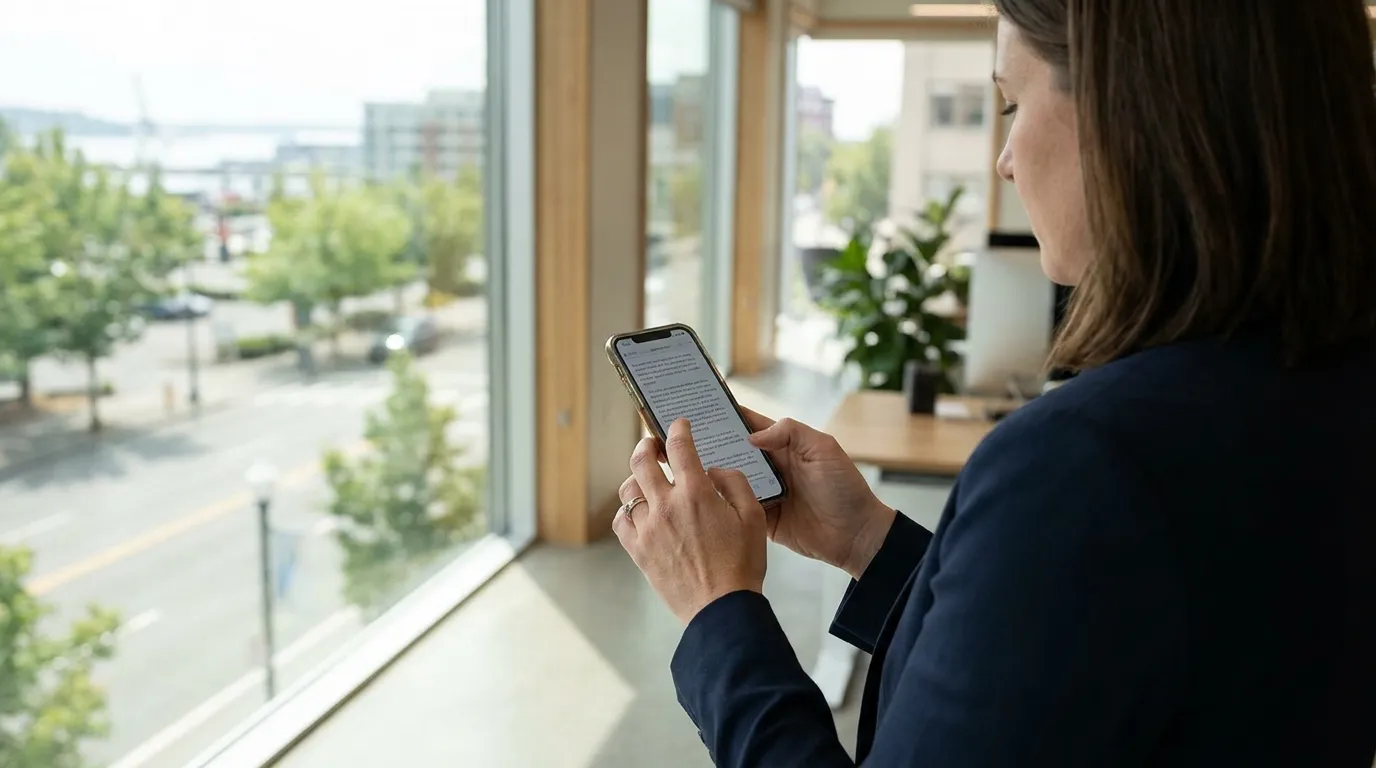
In Washington, real estate brokers undergoing their first active license renewal must meet strict educational mandates set by the state regulator. Per the Washington Department of Licensing (DOL), first-time renewing brokers are required to complete specific clock hours, including Advanced Practices, Real Estate Law, and the current mandatory Core course. Completing these hours on a mobile device requires a platform optimized for long-form reading, clear progress tracking, and secure knowledge checks that function flawlessly on cellular networks.
Progress Syncing Across All Your Devices
One of the greatest advantages of modern, cloud-based continuing education is cloud synchronization. A well-designed online course platform allows you to start reading a module on your smartphone while waiting for an inspector at a property, log off, and resume at the exact same spot later on your desktop computer at home.
Because your course progress saves automatically to the cloud in real time, you never have to worry about losing completed reading time or repeating quiz questions when switching devices. This seamless transition makes it practical to knock out 15 or 20 minutes of study during quiet moments throughout your workday, steadily chipping away at your required renewal hours without disrupting your active client schedule. To verify your current license status and renewal deadlines directly, you can visit the official Washington Department of Licensing website.
What Is Hard to Do on a Small Phone Screen
While mobile phones are fantastic for reading text lessons, listening to audio components, and answering short review questions, certain elements of real estate continuing education remain challenging on a handheld screen. For instance, reviewing detailed real estate math problems, analyzing extensive sample contracts, or reviewing large legal disclosure tables can be cumbersome on a narrow display.
Additionally, state compliance mechanisms often require periodic identity verification or comprehension checks. Completing long-form written responses or navigating intricate scenario-based evaluations on a virtual smartphone keyboard can take longer and cause thumb fatigue. Recognizing which tasks are best suited for mobile screens—and which are better saved for a full-sized monitor—will save you time and energy.
A Smart Phone-Plus-Laptop Workflow for Busy Agents
The most successful real estate brokers do not rely exclusively on one device. Instead, they adopt a hybrid phone-plus-laptop workflow that maximizes convenience without sacrificing efficiency. By utilizing your smartphone for light reading and quick knowledge checks during downtime, you maintain steady progress throughout the week.
When it comes time to complete comprehensive end-of-course exams, evaluate complex legal scenarios, or review heavy curriculum blocks, transition to a desktop or laptop computer. If you are preparing for your initial license cycle, enrolling in a structured Washington 90-Hour First Renewal Package gives you full access across all your devices so you can execute this flexible workflow seamlessly.
Testing Course Mobile Compatibility Before You Commit
Before buying any continuing education program, confirm that the provider's system is fully optimized for mobile devices. A mobile-friendly provider will feature fast loading speeds, clear text hierarchy, intuitive touch navigation, and reliable auto-saving functionality that protects your progress if your cell service drops momentarily.
GetMeRenewed provides fully responsive, mobile-optimized continuing education designed specifically for Washington real estate licensees. Whether you choose to complete your entire renewal on a smartphone or split your time between your phone and laptop, our platform guarantees effortless navigation, 24/7 access, and automatic progress tracking. You can start your training on your phone today by selecting our complete Washington First Renewal package.
Frequently Asked Questions About Mobile Real Estate CE
Can I complete my entire Washington real estate CE on my iPhone or Android?
Yes. As long as you have a stable internet connection and a modern mobile web browser, you can complete your reading, quizzes, and course evaluations directly on your smartphone.
What happens if I lose cellular connection while taking a quiz on my phone?
High-quality mobile CE platforms automatically save your progress periodically. If your cellular connection drops, your completed modules and saved progress remain intact until you reconnect.
Are final exams harder to complete on a mobile device?
While final exams are fully functional on mobile devices, many agents prefer taking them on a desktop or laptop computer for a larger display, easier reading of long questions, and faster navigation.